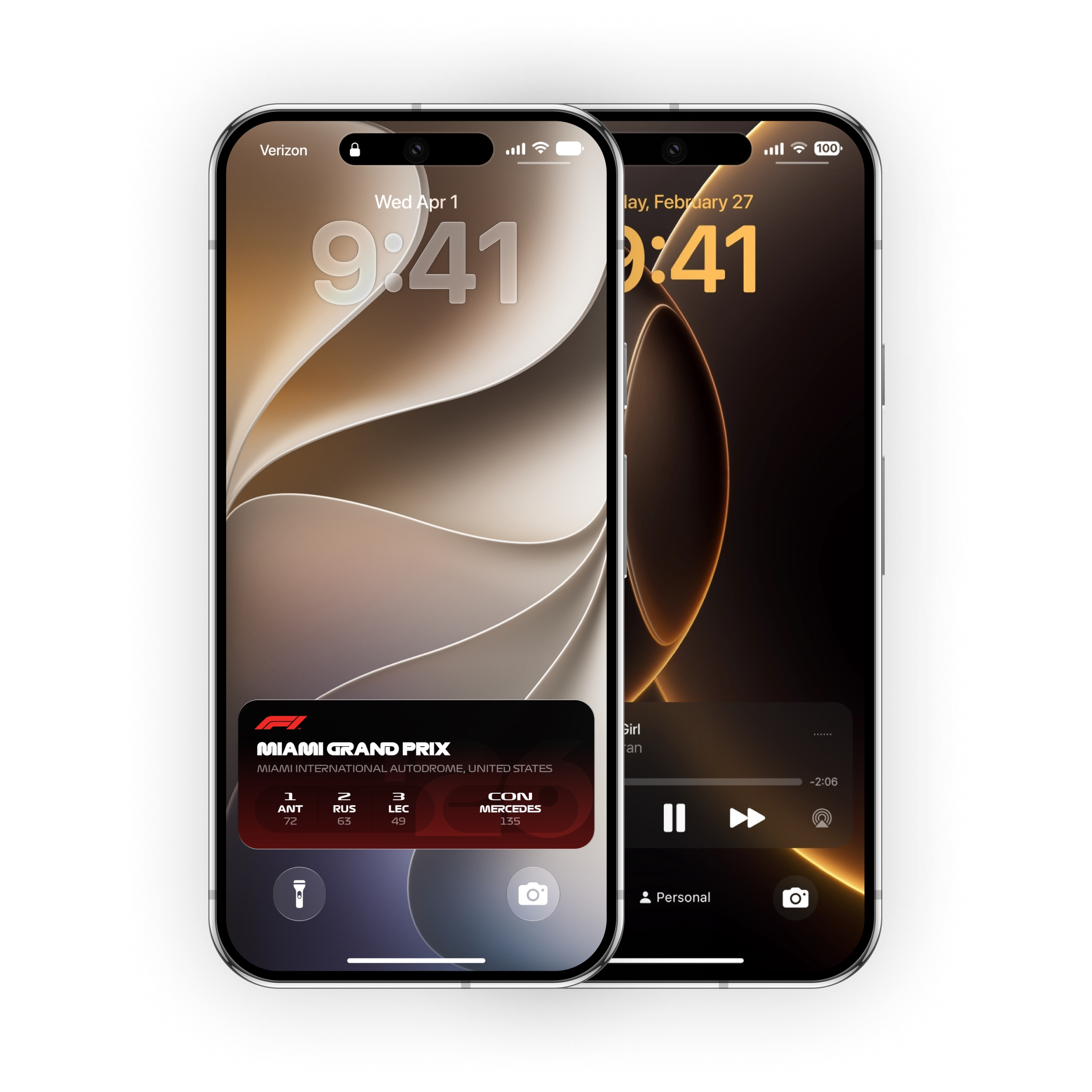
A lighter Liquid Glass design with refined clarity and subtle depth.
Design
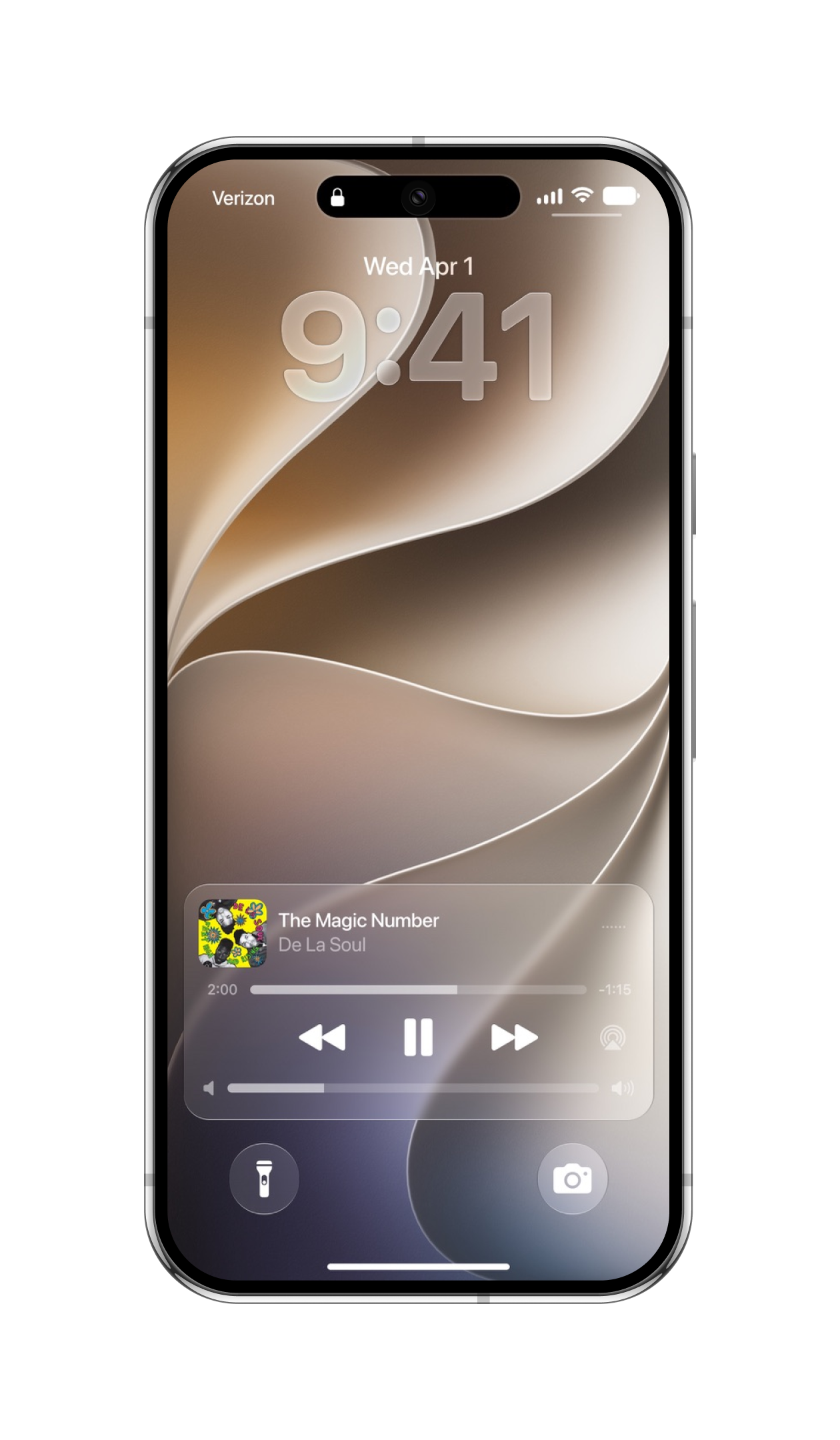
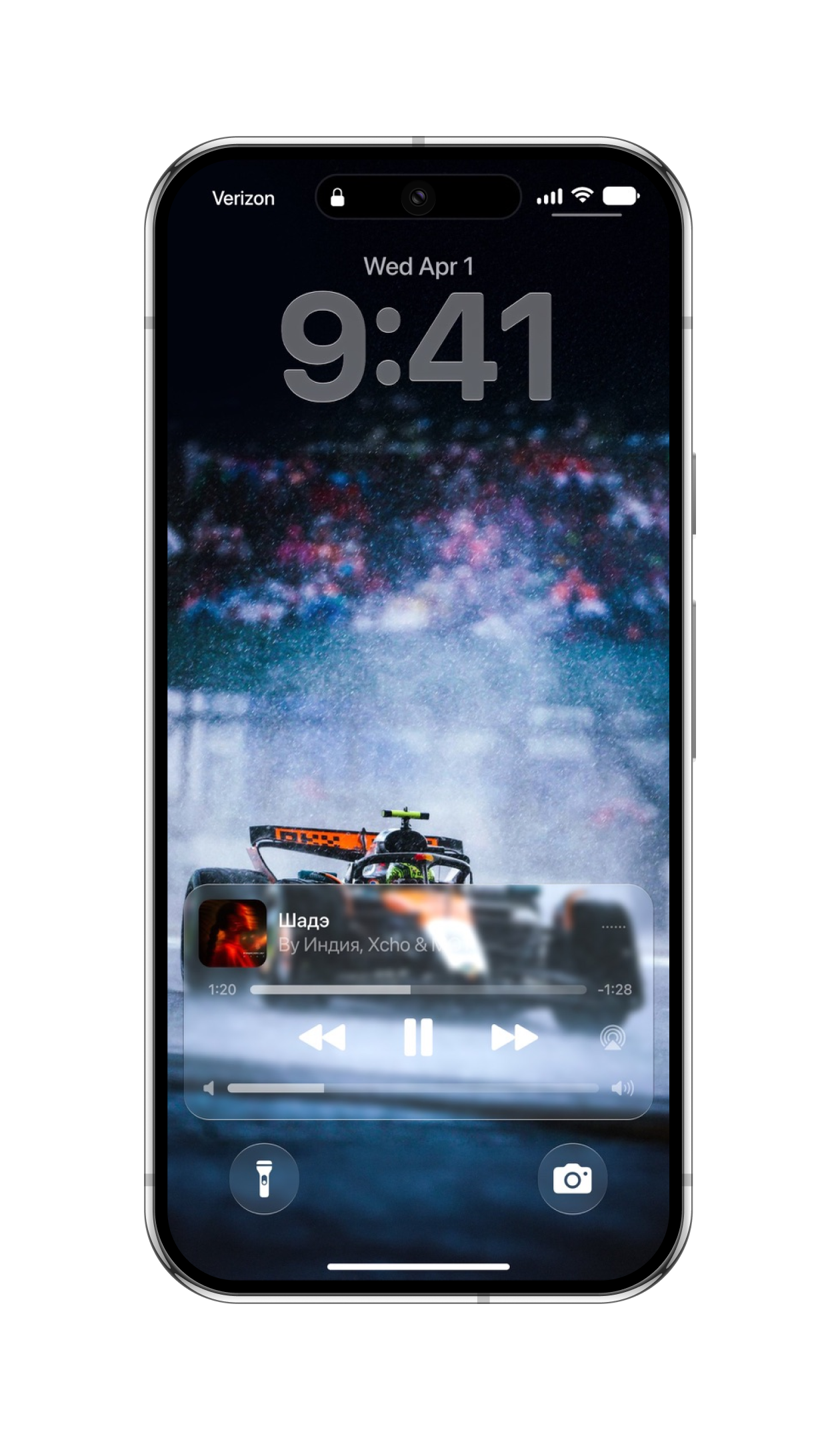
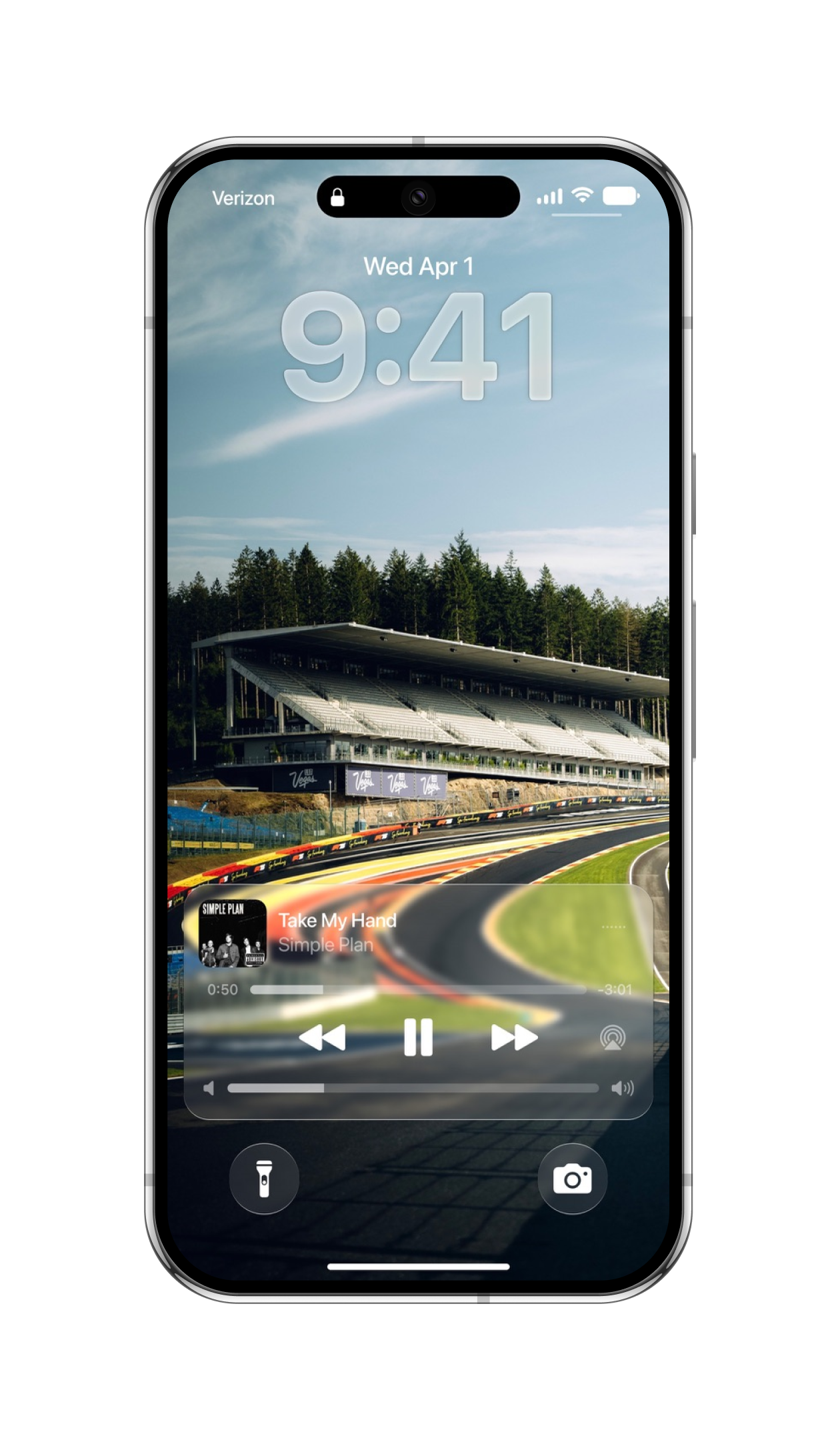
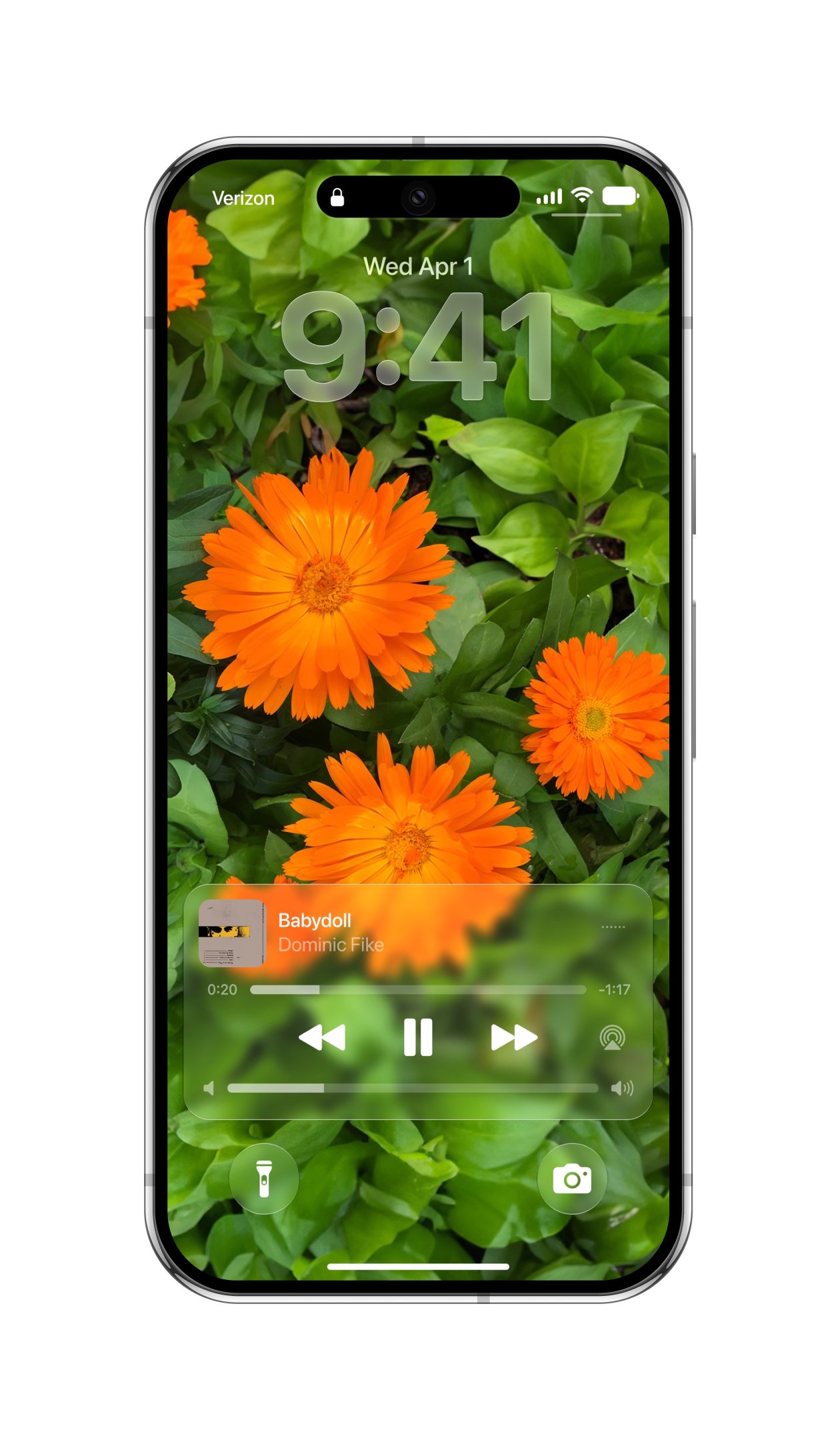
Engineered to be more responsive, refined Liquid Glass delivers a faster, smoother experience across the entire system. It flows naturally with your touch, and gives the Lock Screen an elegant depth effect.
A whole new look for iStage. The new Liquid Glass design reshapes the entire experience with clean visual clarity. It lays down a sleek, modern foundation that makes every interface feel brand new.
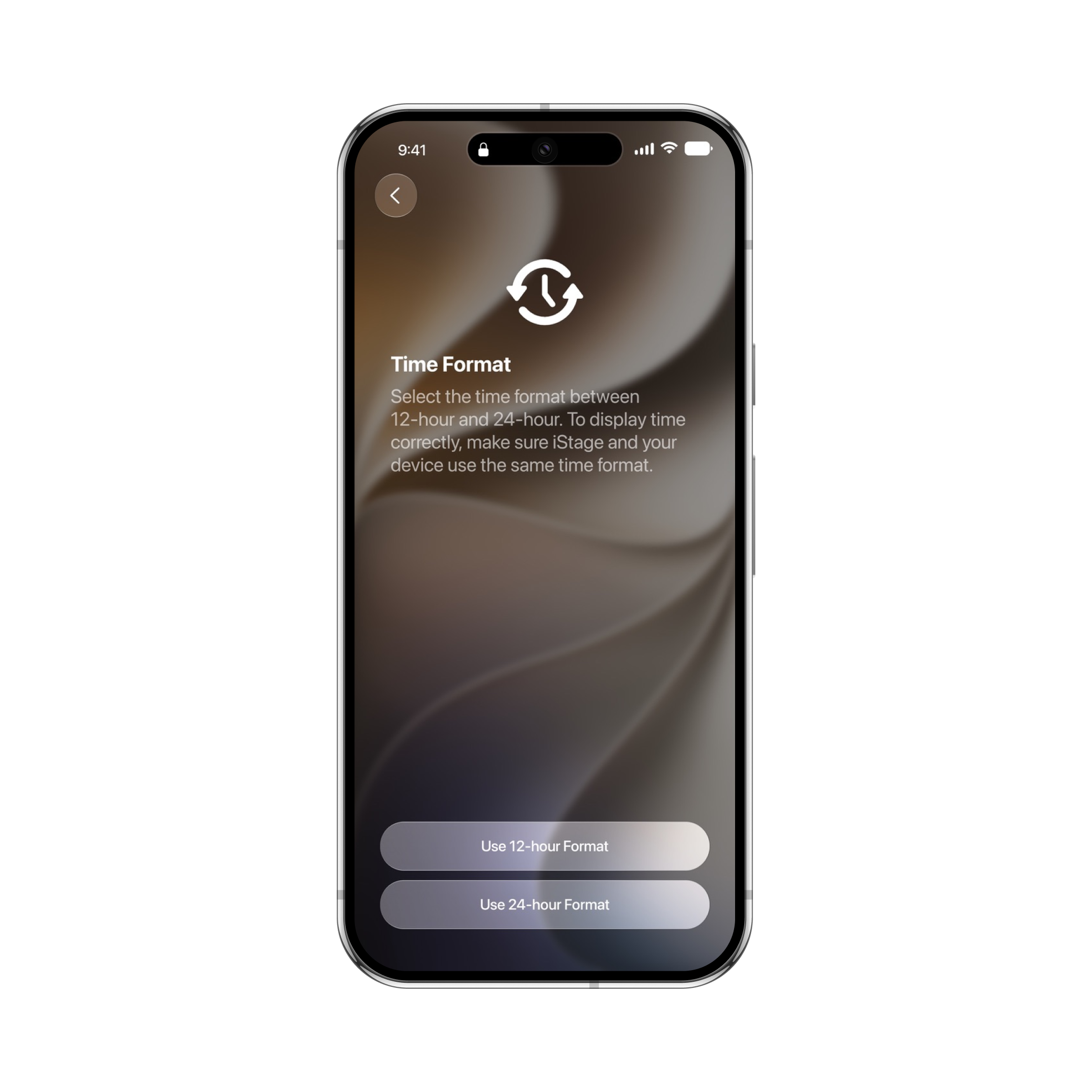
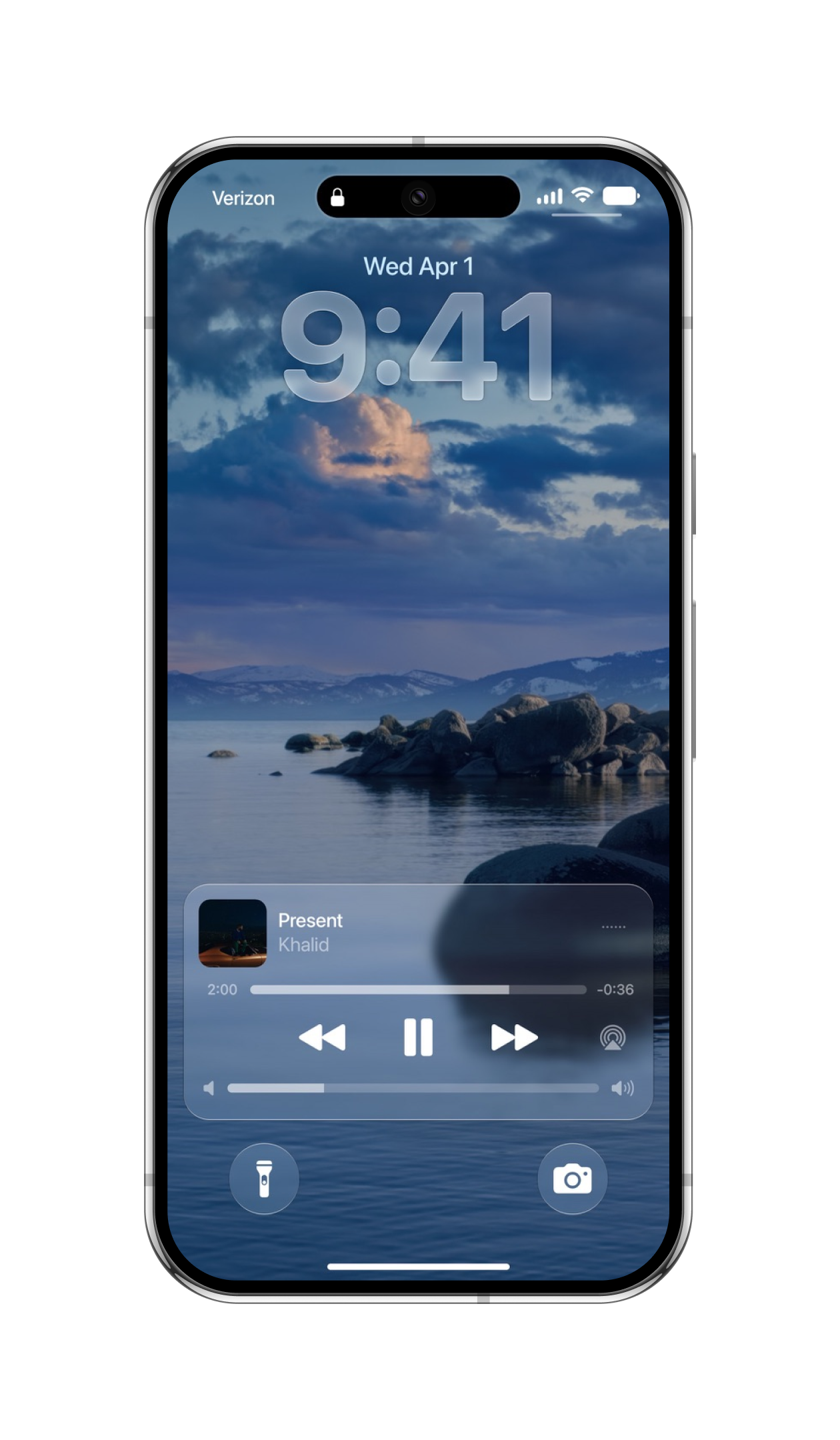
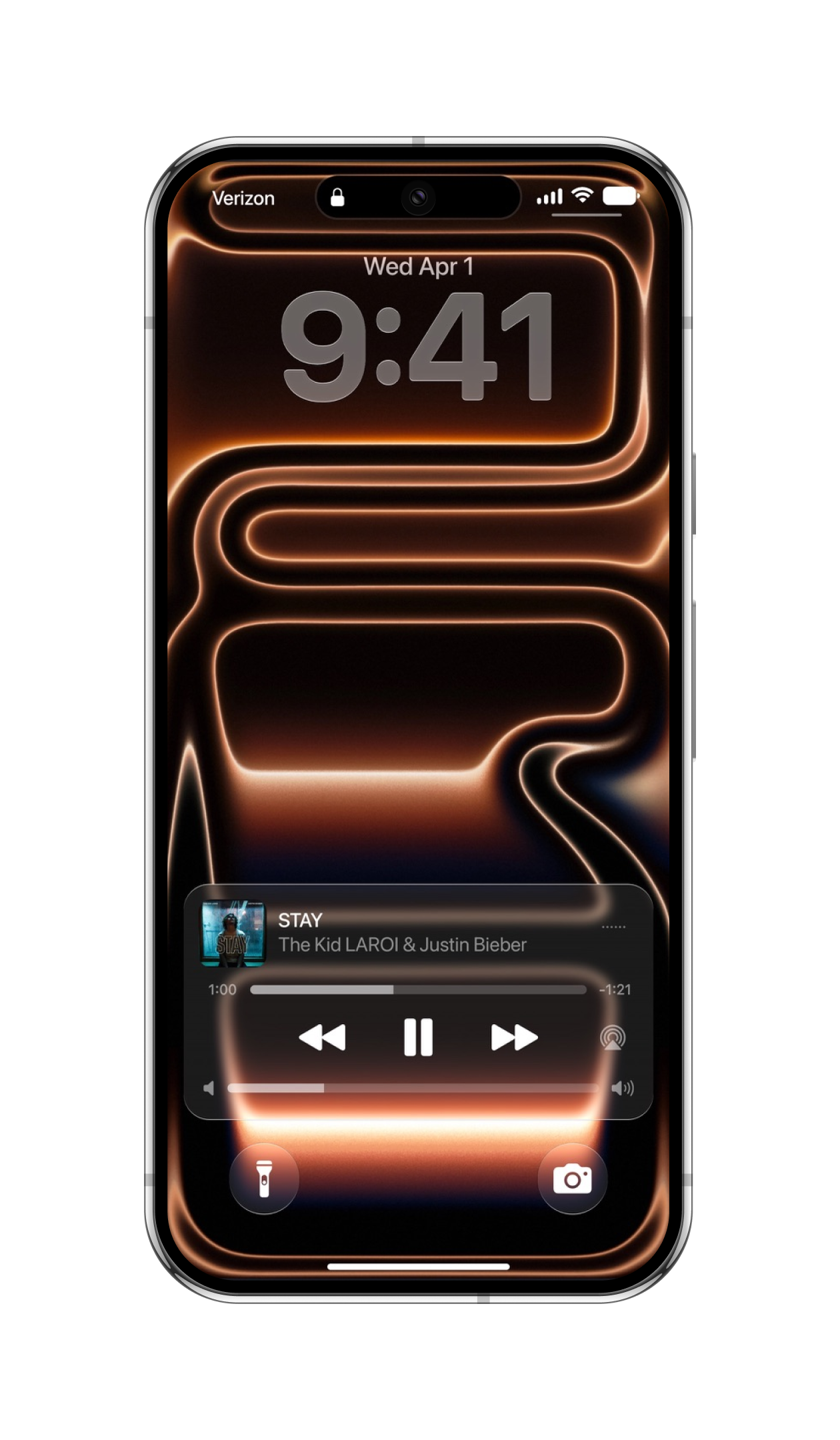
Dynamic light and depth. Top and bottom reflections capture light just like real glass, while soft drop shadows create the illusion of elements floating seamlessly over your screen.
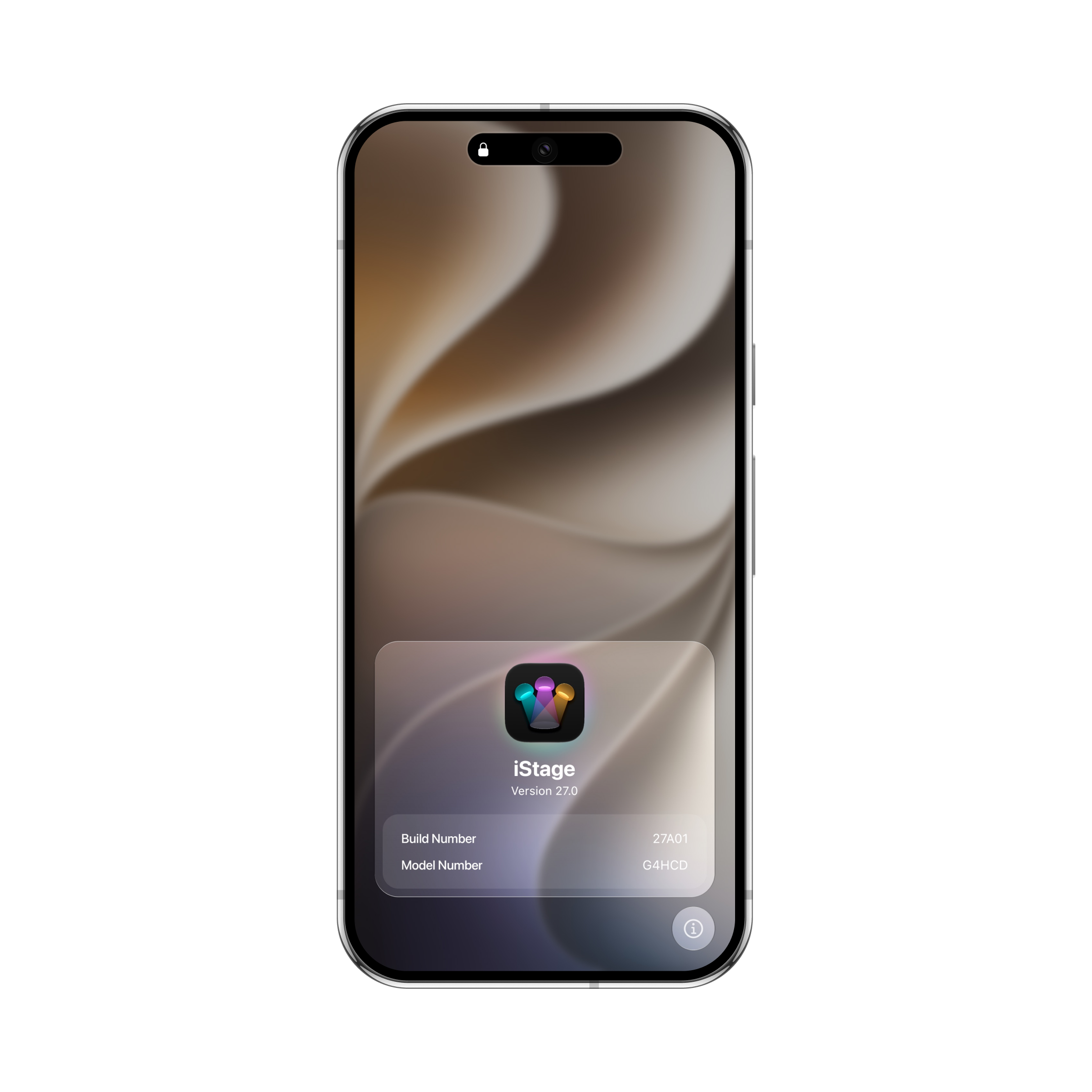
Tactile, fluid responsiveness. Elements gently glow and press inward like liquid droplets when touched. Dragging them in any direction creates an elastic, fluid stretch that reacts instantly to your finger.
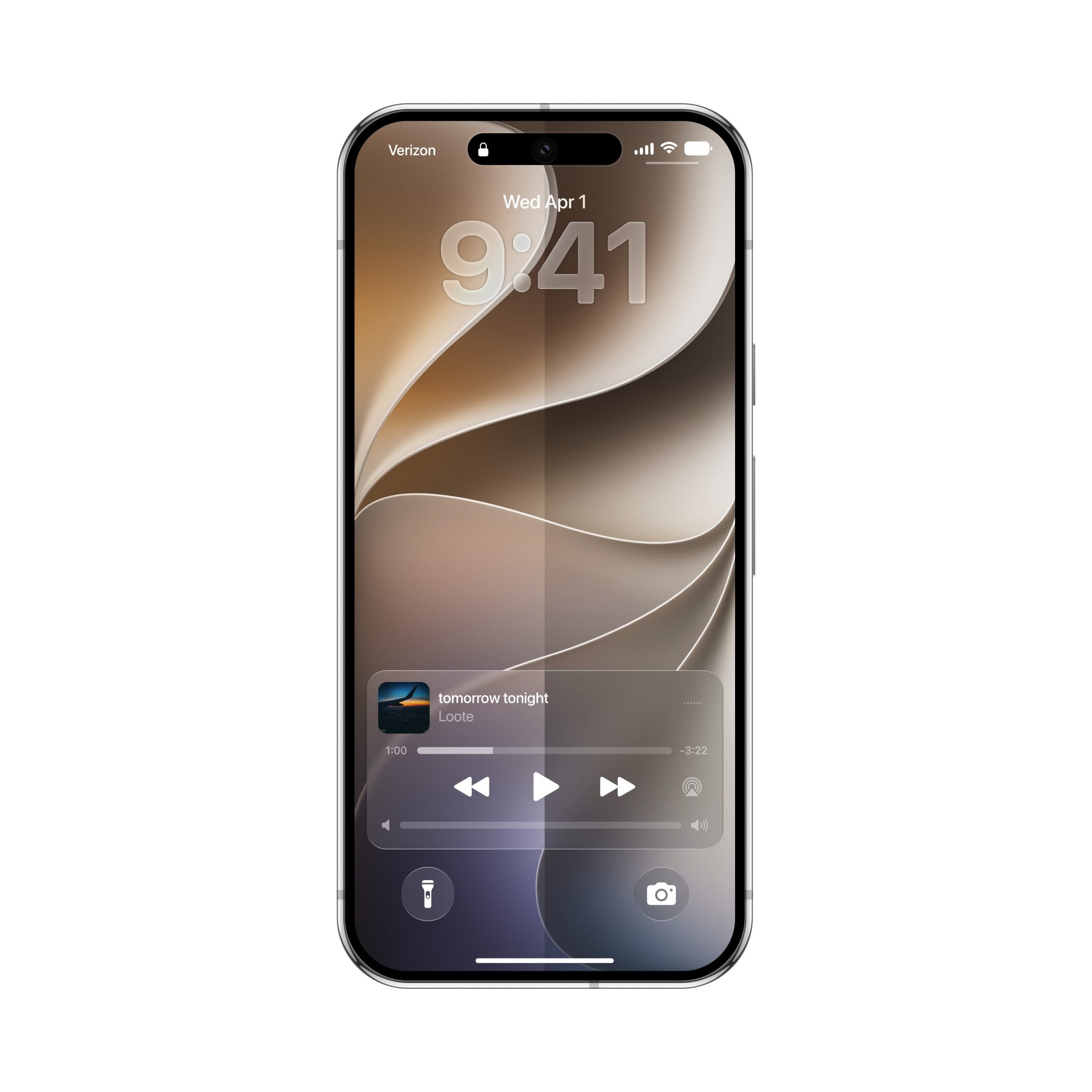
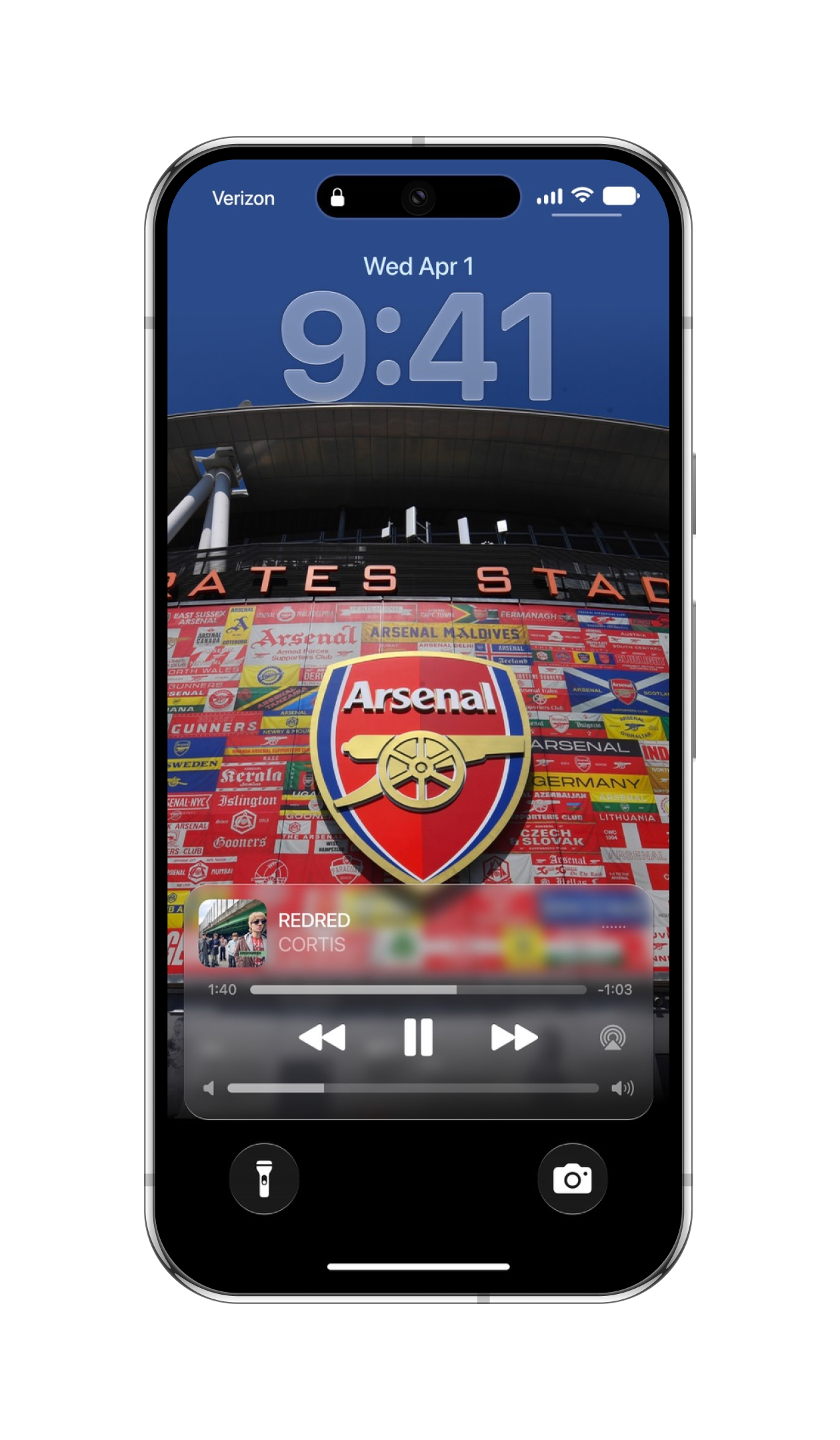
Artfully adaptive materials. Liquid Glass lets you dynamically adjust its blur intensity and tint based on your wallpaper, so it keeps text readable on any background.
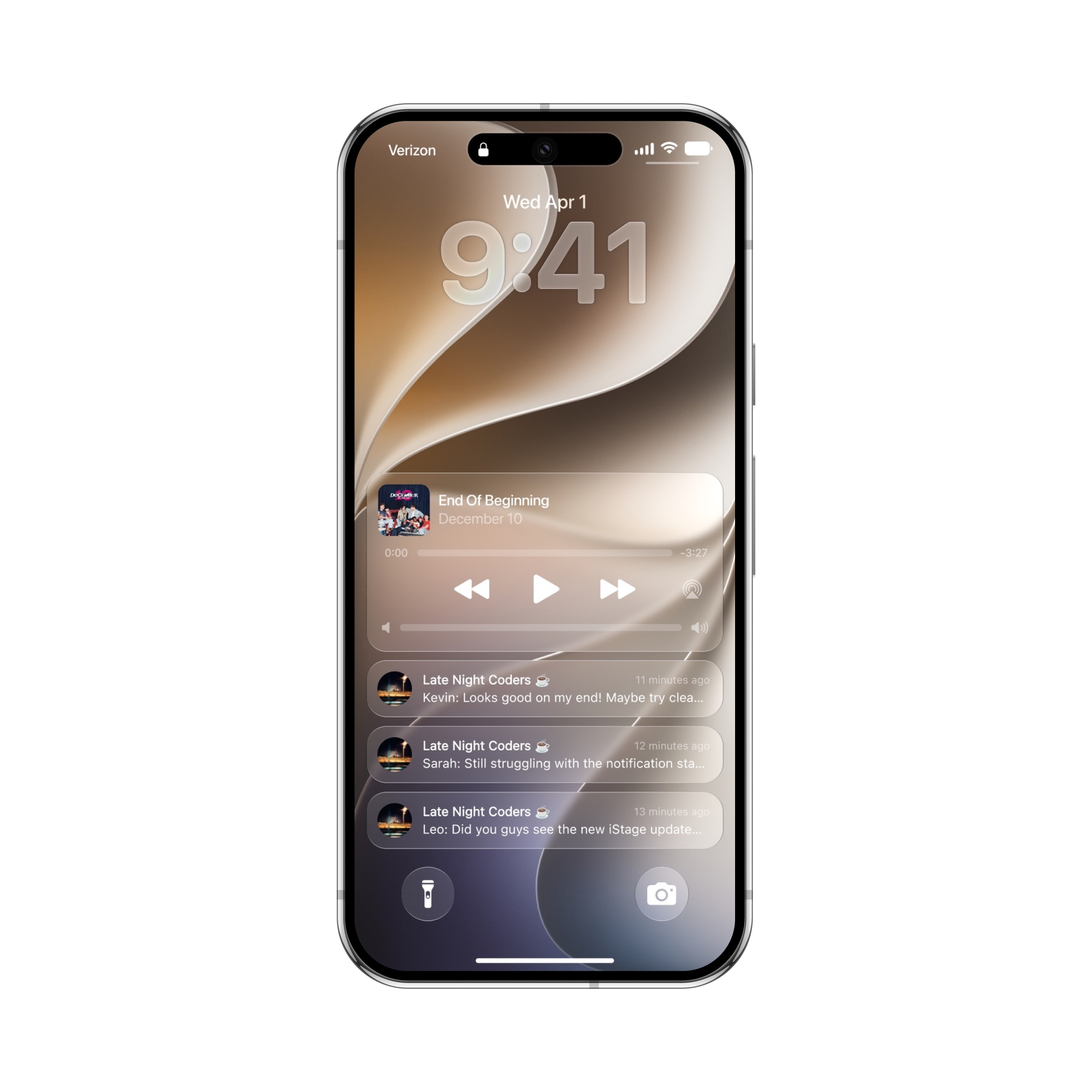
Visually rich, highly efficient. Advanced shader optimization ensures that every refraction, shadow, and fluid animation renders smoothly with improved battery efficiency and performance.
Personalization
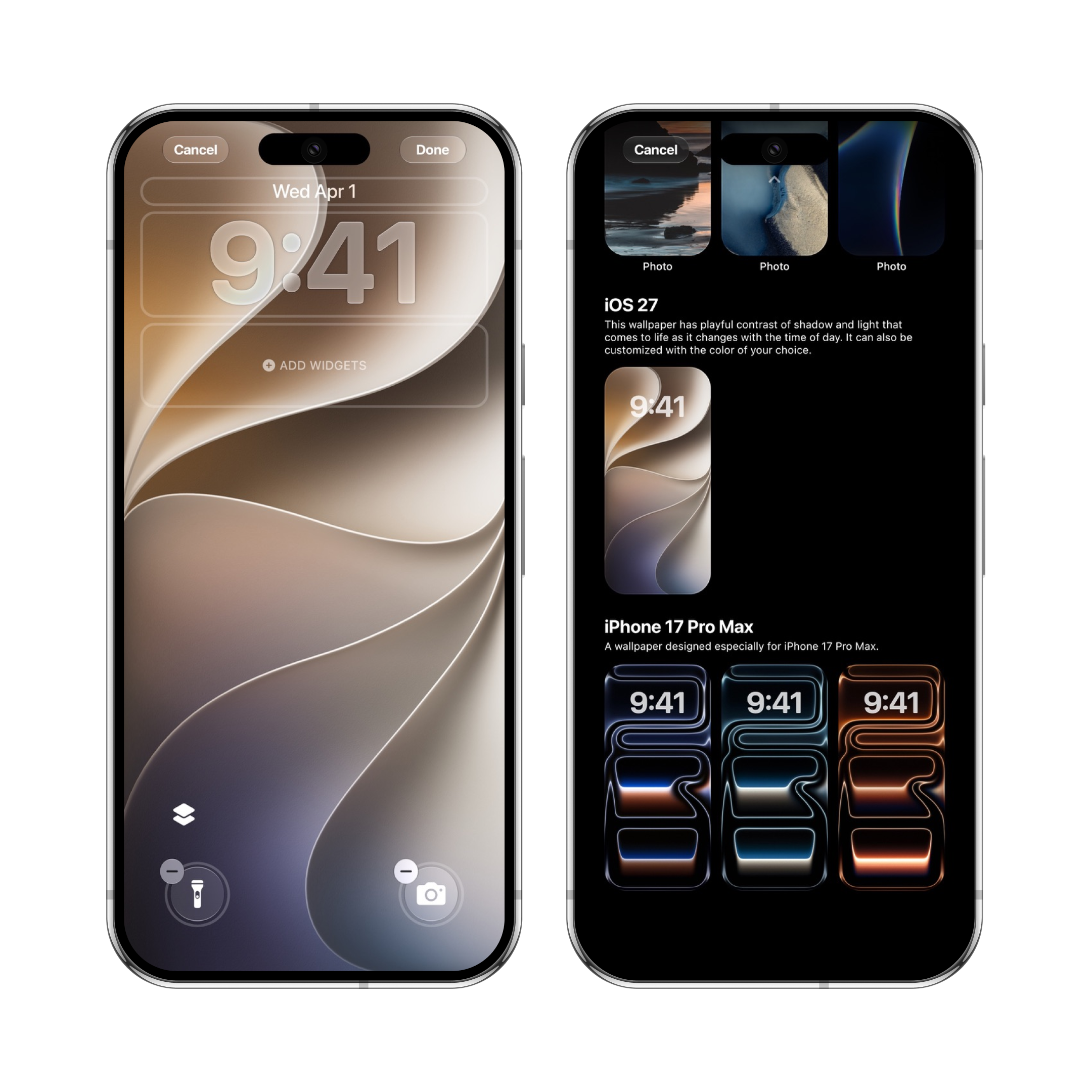
Redesigned editors and a revamped wallpaper gallery offer endless possibilities. Customize clock styles, colors, widgets, and shortcuts to craft a Lock Screen that reflects your taste.
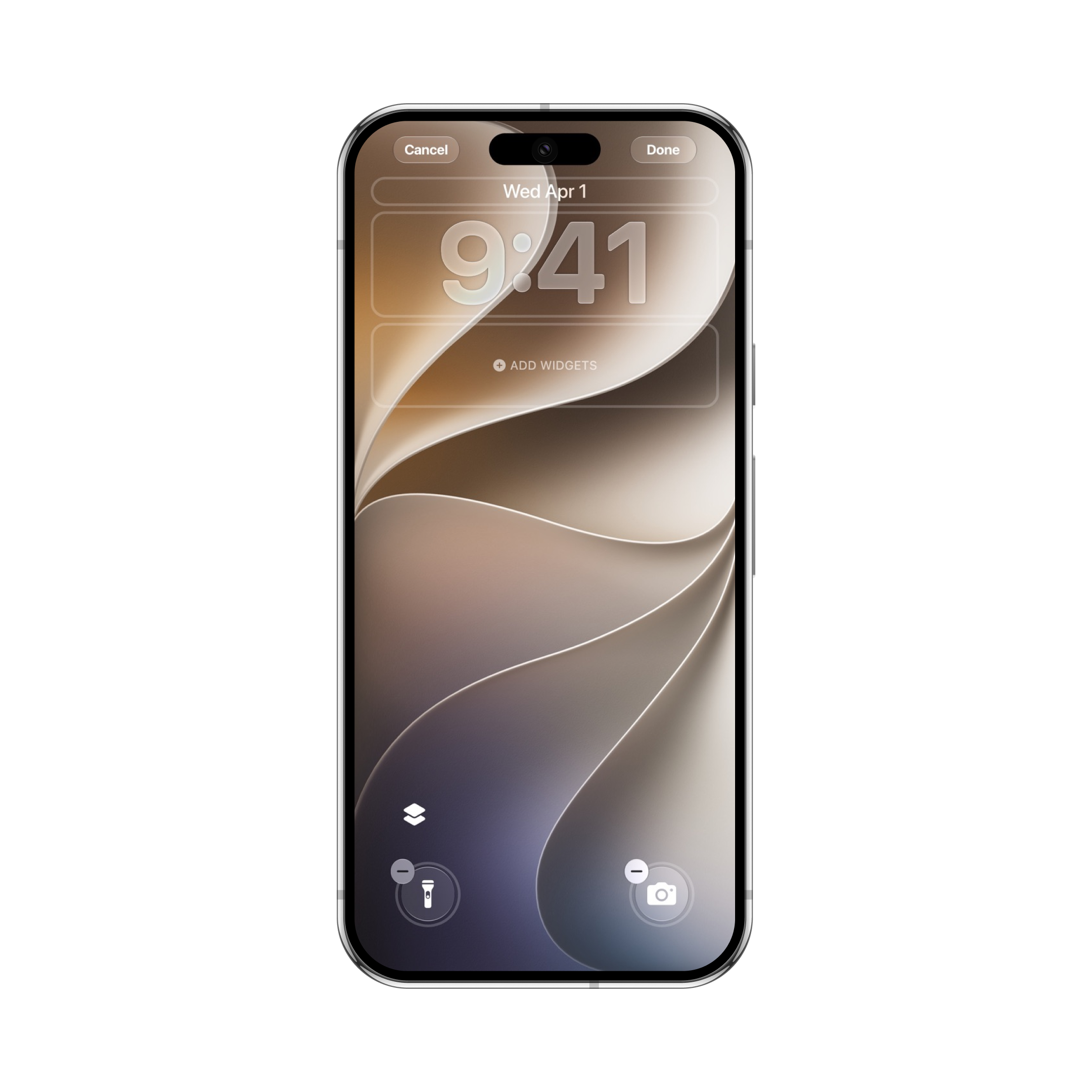
A new way to customize. The redesigned editor space makes personalizing your Lock Screen faster and more intuitive.
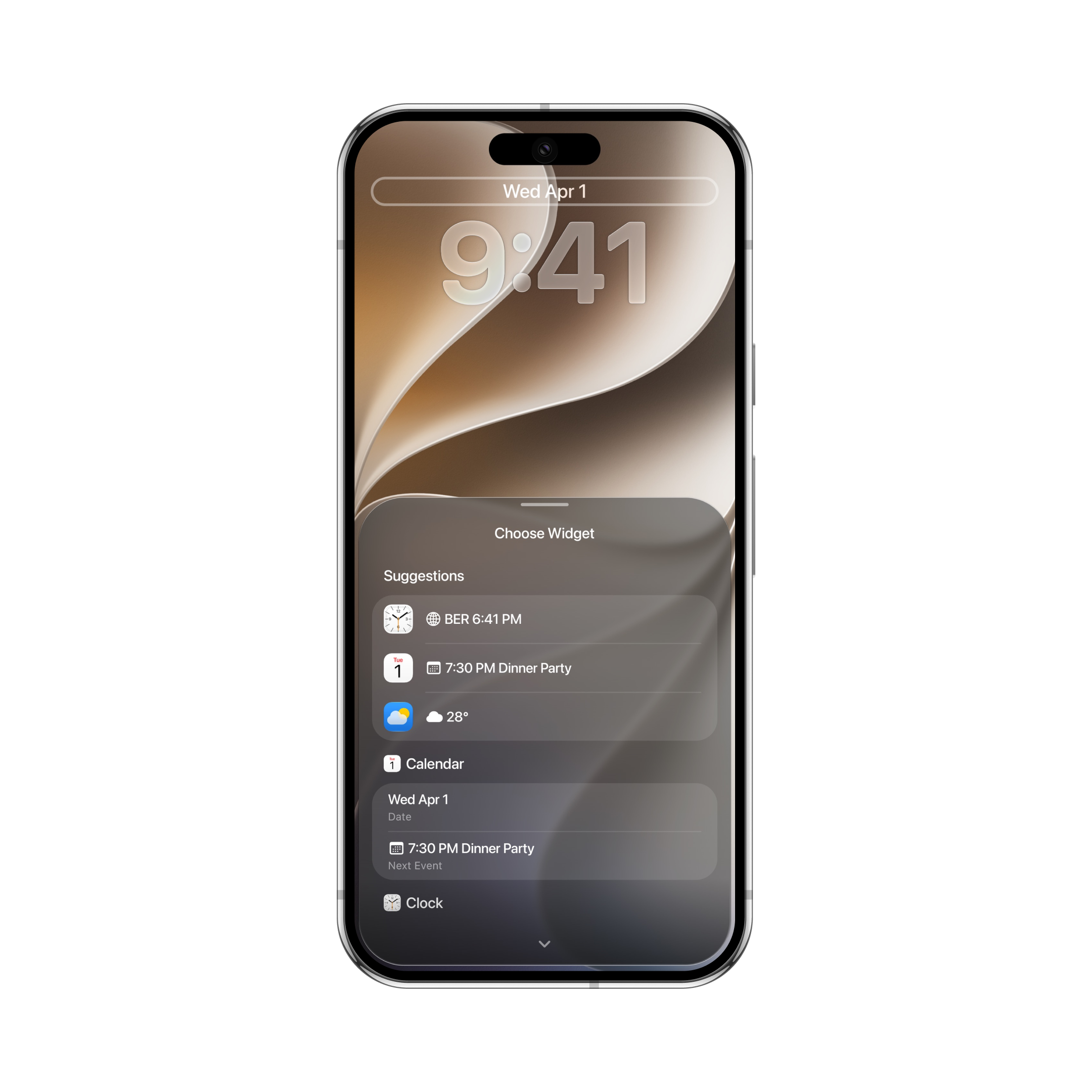
Expressive typography. Choose from expanded font styles and vibrant color palettes to make your clock stand out.
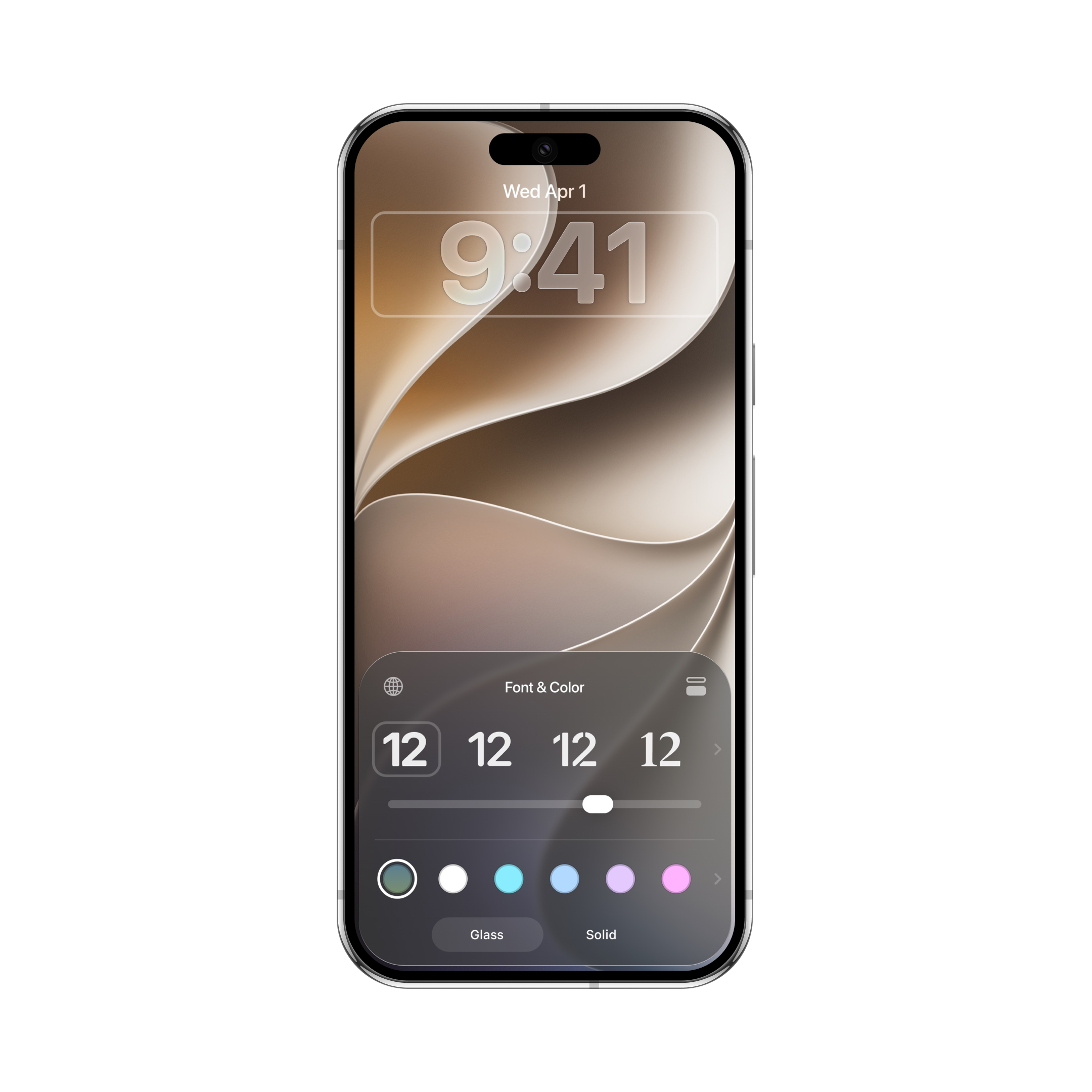
Info at a glance. Add subtle inline widgets right next to the date to track important information such as weather, calendar events, or alarms.
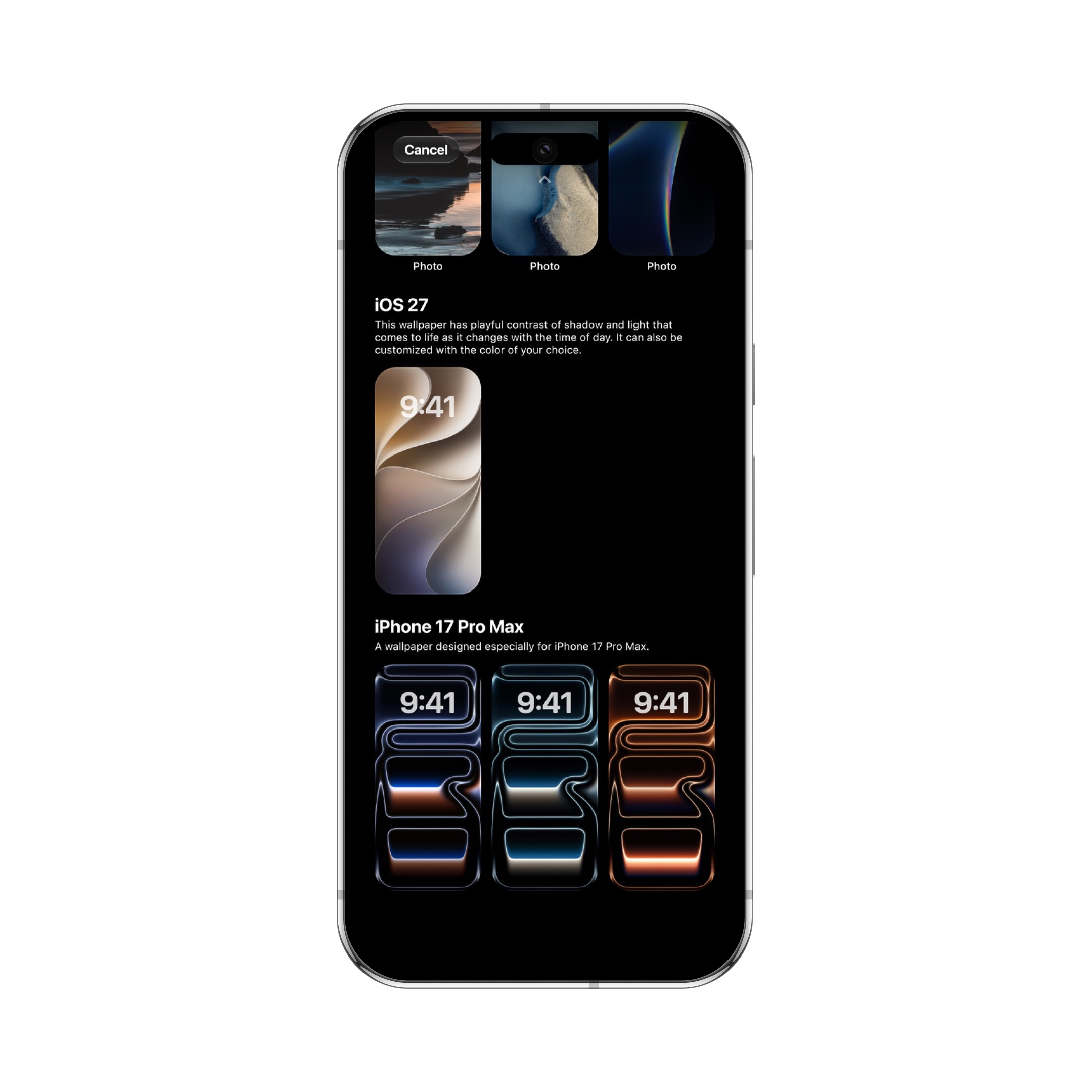
A revamped wallpaper gallery. Browse curated stock wallpapers or craft up to 5 fully customizable photo wallpapers with your favorite images.
Shortcuts, your way. Swap out standard Lock Screen controls for your favorite shortcuts for instant access to the tools you use most.
Lock Screen Experience
Dynamic Island and Live Activities bring your most important updates right to the front. Track live events, manage playing media, and interact with notifications — all without leaving your Lock Screen.
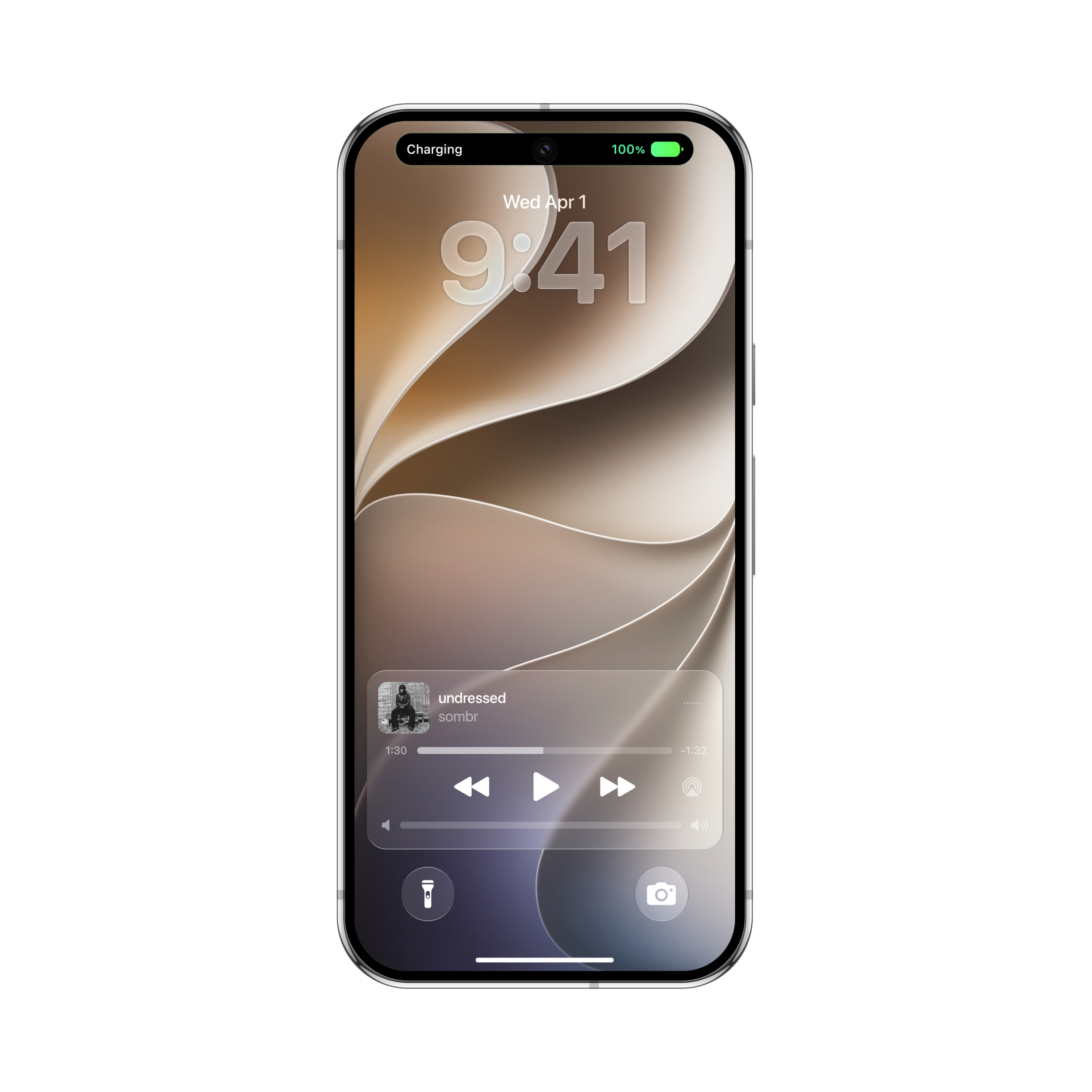
Dynamic Island in view. Dynamic Island seamlessly expands to show priority system states, such as lock and charging, so you always stay informed.
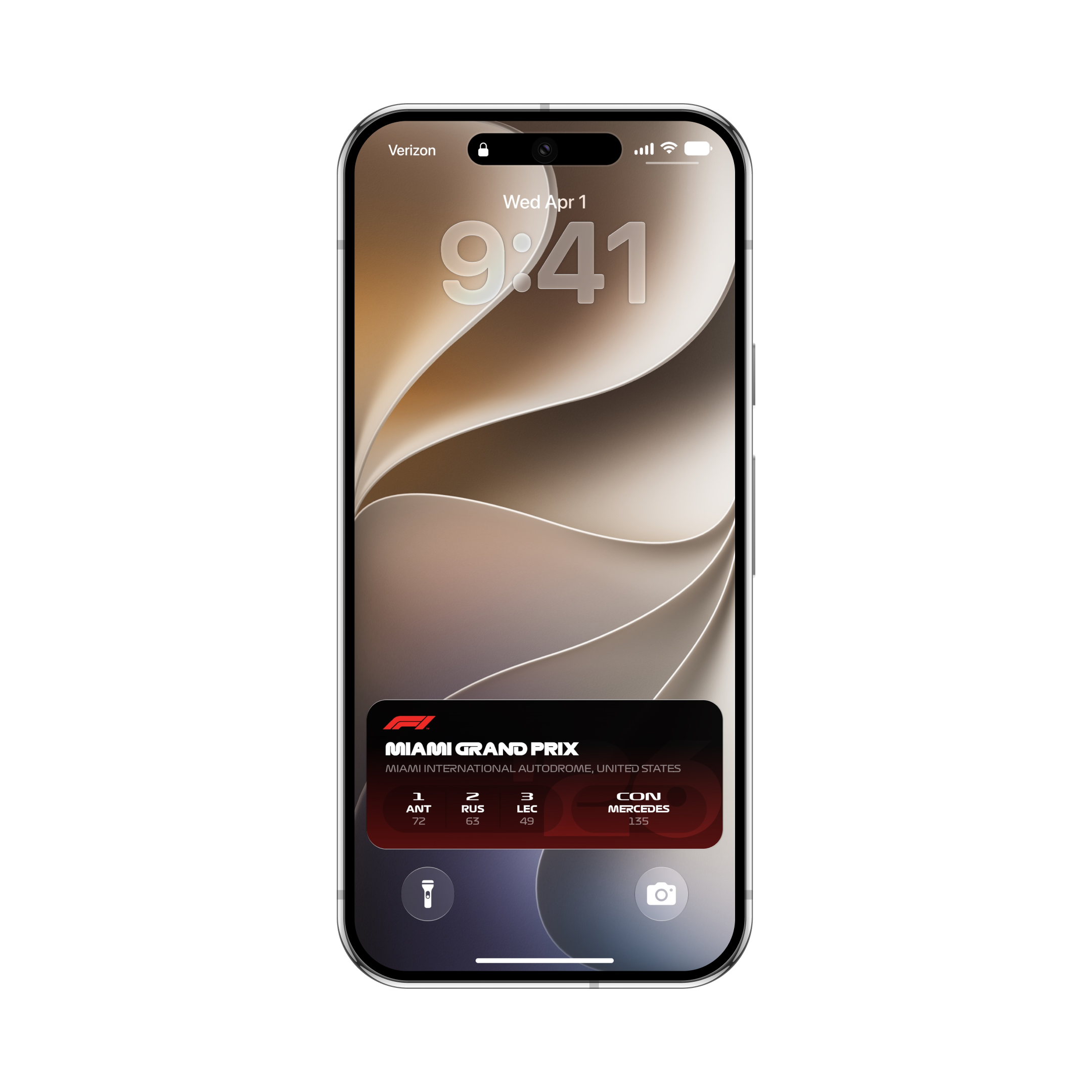
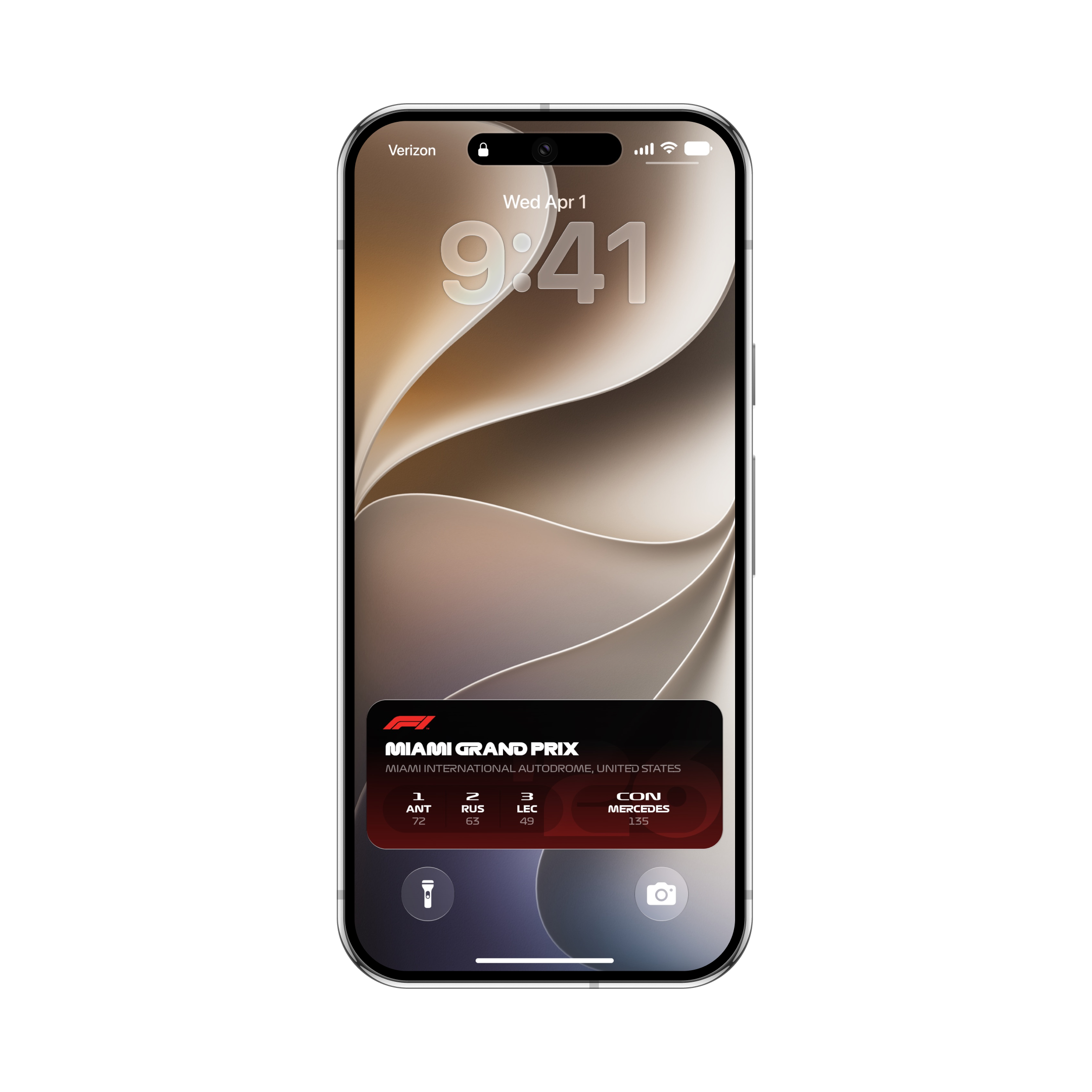
Real-time Live Activities. Follow live F1 races and match scores directly from your Lock Screen with live-updating widgets.
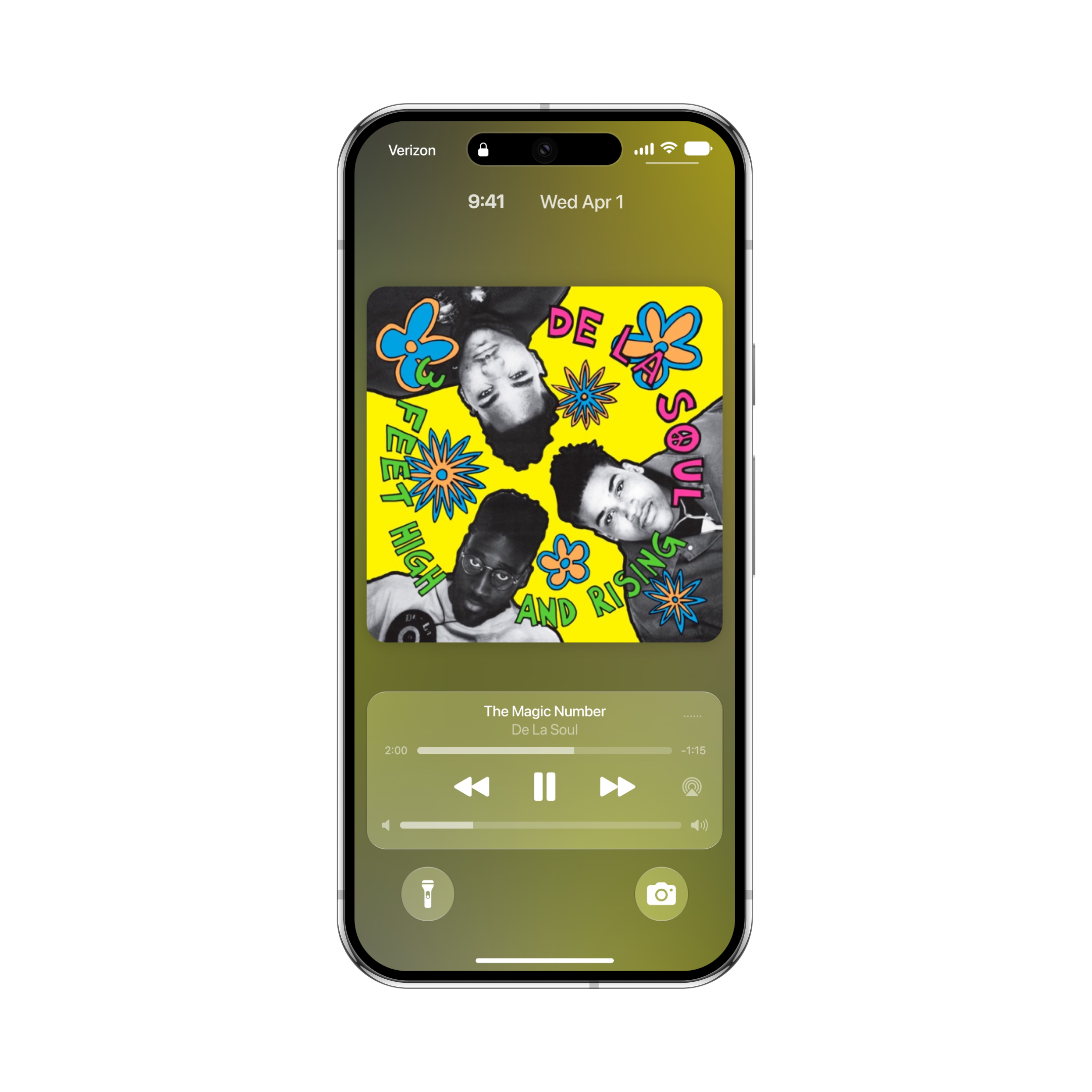
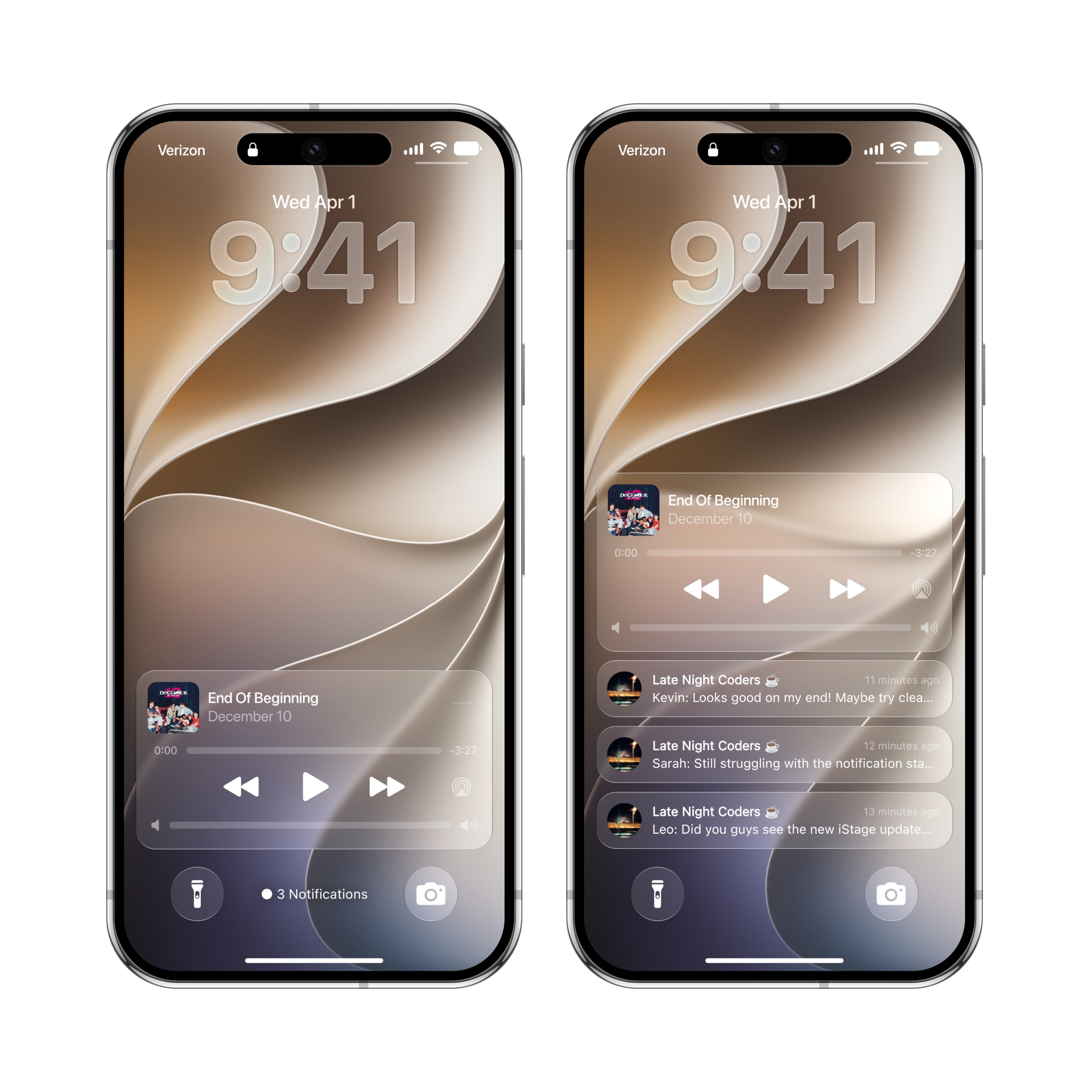
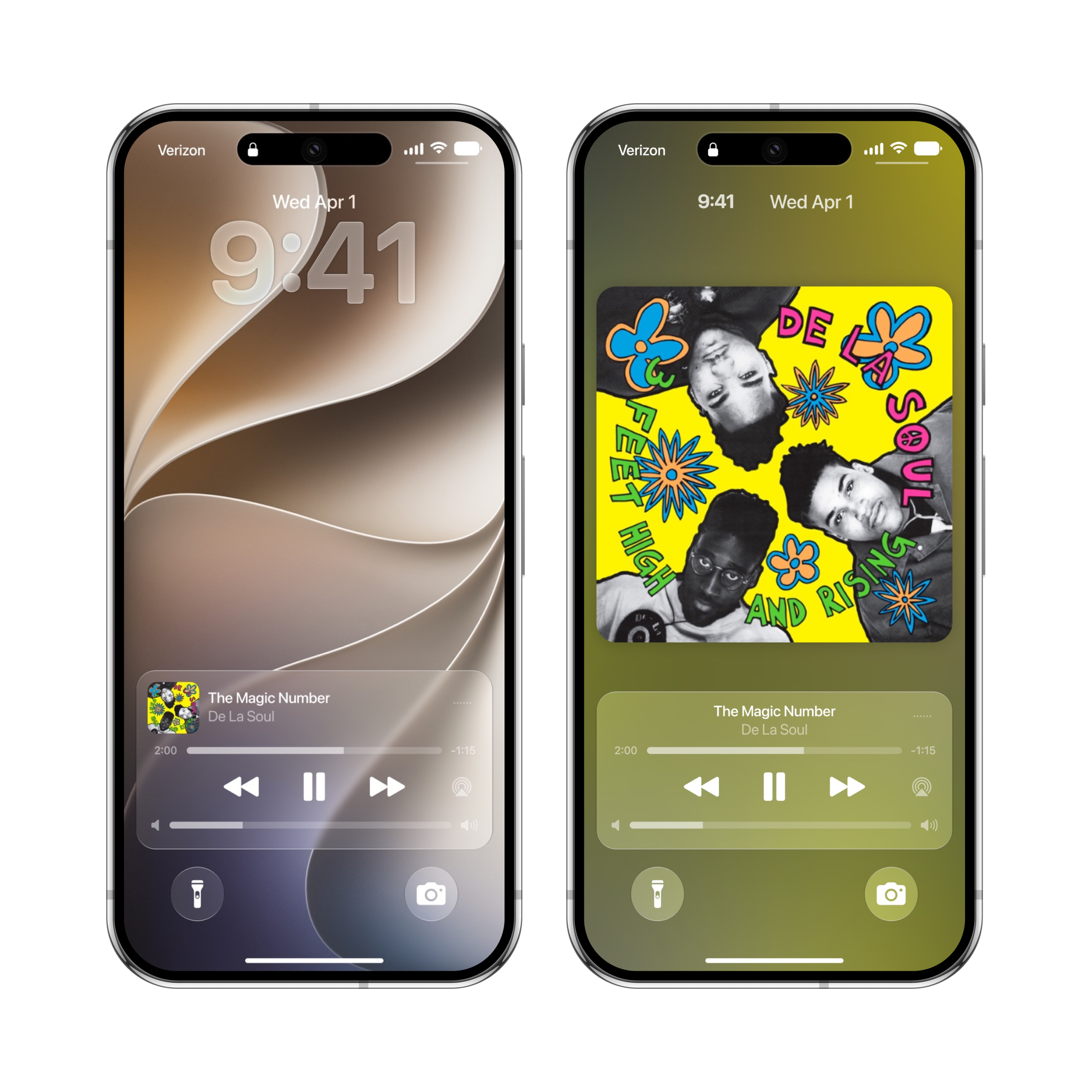
Expanded media controls. The redesigned media player lets you easily switch between a minimal compact view and an immersive full-screen visual experience.
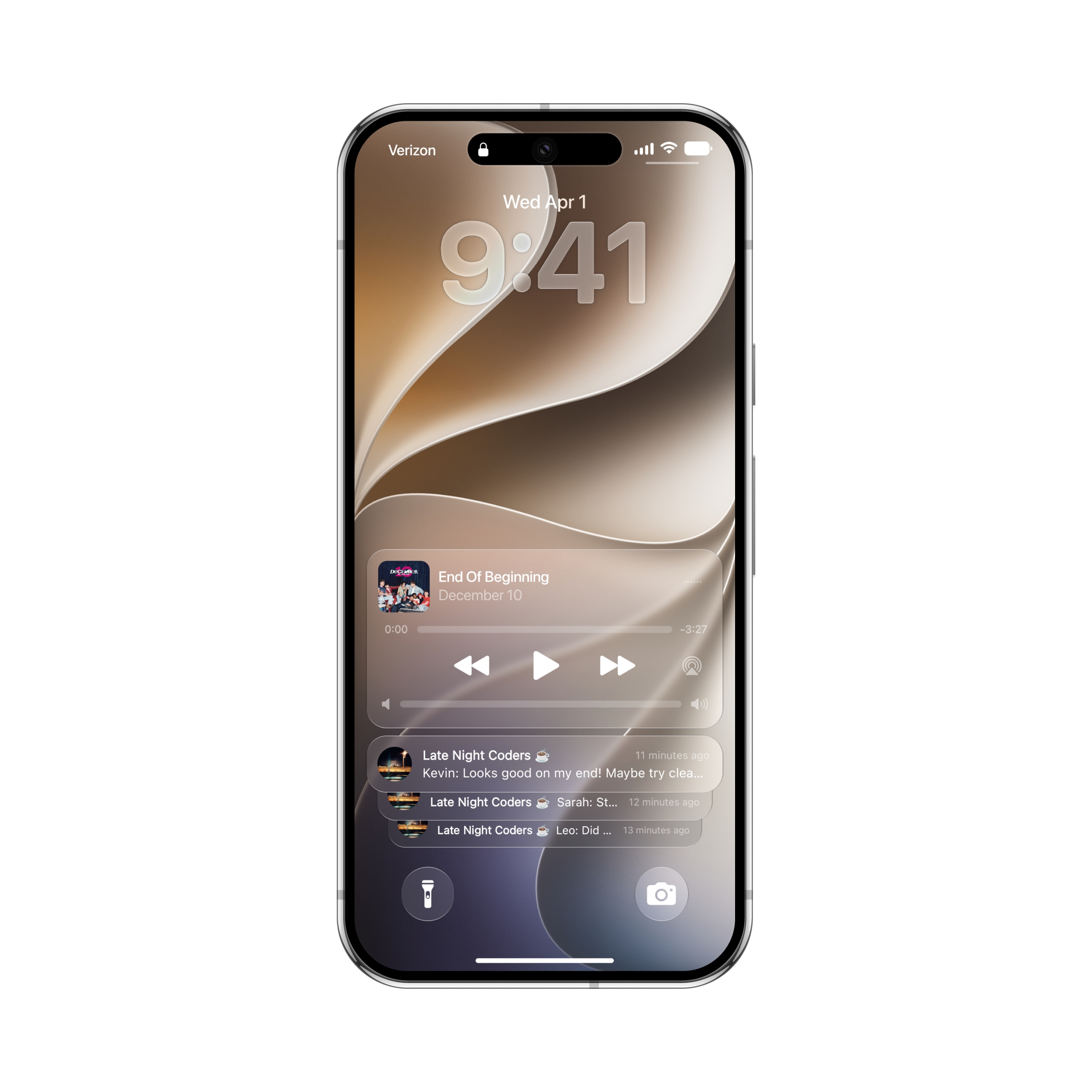
A smarter Notification Center. Notifications stack neatly at the bottom of your screen to stay out of the way. You can easily switch between Count, Stack, and List views with a simple swipe.
Focus modes and custom profile. Choose from curated standard Focus modes or craft a fully custom Focus profile with personalized icons to stay focused on the moment.
Seamless profile transfer. Double-tap to view full preset details, making it effortless to back up, reconstruct, or transfer your custom Lock Screen setups to another device.
Always-on volume control. Display a live volume indicator right on the music player to check and adjust sound levels while listening.
Custom World Clock. Personalize the World Clock date widget with your preferred city and time zone.
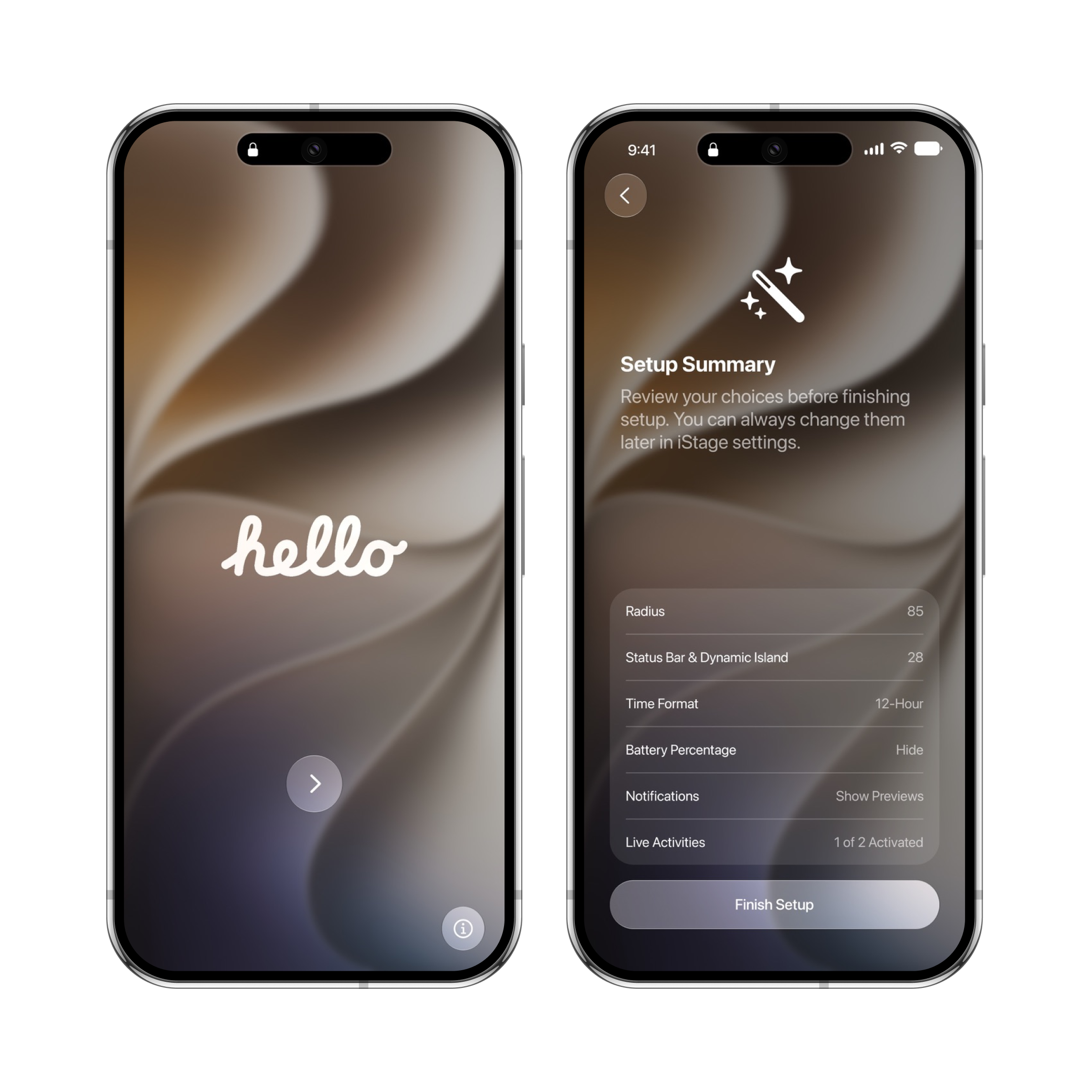
Advanced display controls. Fine-tune status bar height, Dynamic Island position, and corner radius for a consistent visual experience across various devices.
Carrier & Signal tweaks. Customize your status bar carrier text and signal strength indicators to match your aesthetic.